
Why Most AI Agents for Education Aren't Agents
A chatbot with a nicer interface is still a chatbot. Here is how to tell whether an education AI product can actually use tools, respect permissions, and keep track of context.
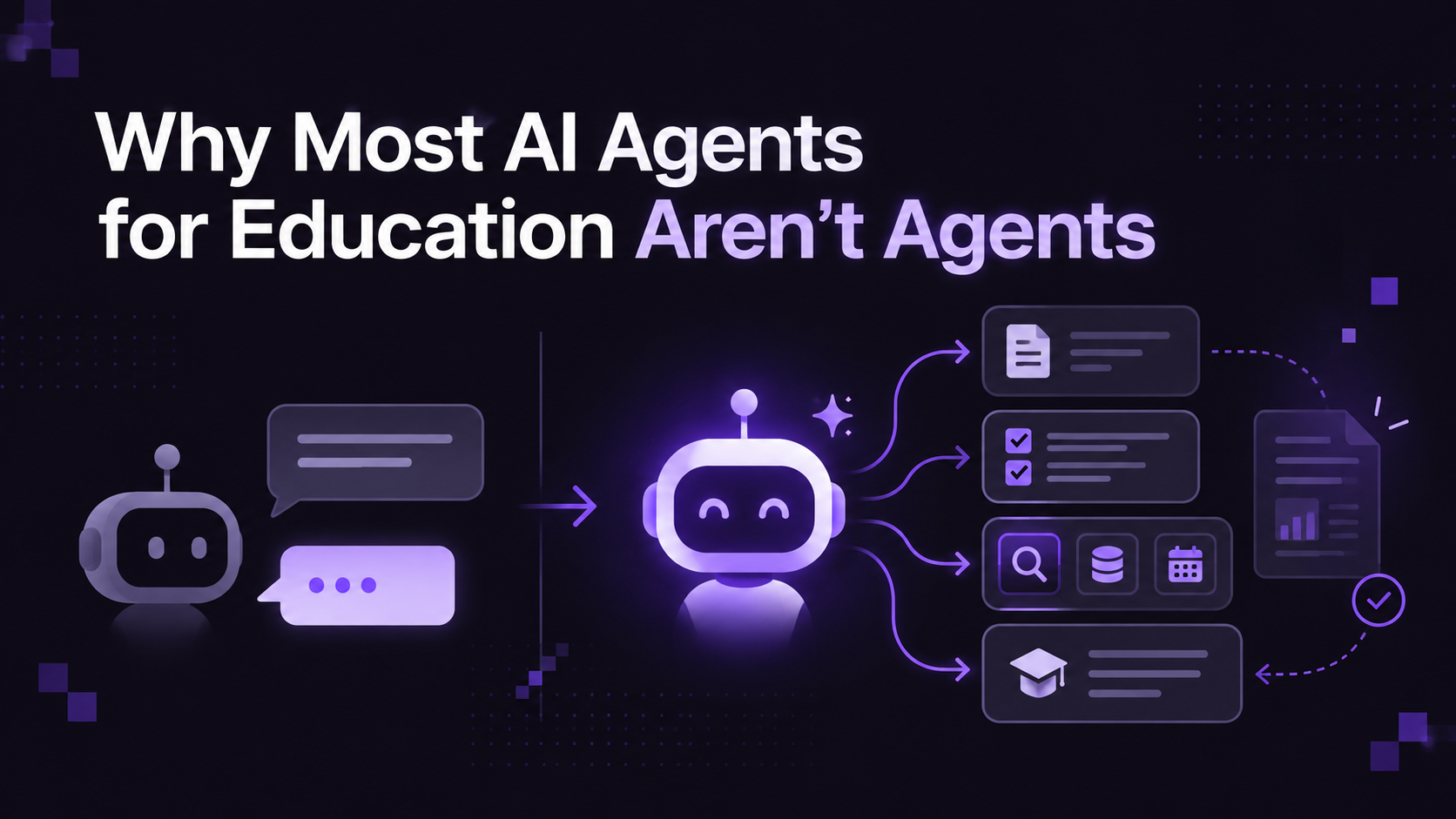
Walk the vendor hall at any higher ed technology conference this year and count how many booths use the word "agent." Then ask one of them to show you what the agent does when you click away from the page.
Most of the time, the answer is nothing. The "agent" is a chat window. It's a hidden instruction, a language model, and a text box. That's fine as a product, and some of those products are useful. It's just not what the label says.
This post is a short buyer's guide. If you're on a procurement committee or you're the faculty member who got asked to evaluate three vendors by Friday, here is how to separate the products that can act from the ones that can only talk.
What a chatbot with a new label looks like
The basic design of a consumer chatbot has not changed much. A user types something, the system adds a hidden prompt, the model writes a reply, and the reply appears on screen.
Wrapped in a polished interface and given a name like "Teaching Agent," that design runs into three problems in higher education.
It has no idea who you are. It doesn't know you're an instructor in Biology 201 or a TA with limited access. It can't check enrollment, read a gradebook, or tell whether a student finished a prerequisite. Either it sees nothing about your institution, or someone has pasted data into its prompt and hoped for the best.
It can't do anything. It can write you a paragraph about how to build a rubric. It can't build the rubric in your course, or look up the submissions in a particular assignment, or send an LTI message to Canvas. The most it can do is tell you what to do, and then you do it.
It loses the thread. Switch from one course to another and the chatbot either forgets everything or, worse, carries over details from the first course into the second. If it mixes up two rosters, that's a privacy incident.
None of this makes the product bad. It makes it a chatbot. The trouble starts when a chatbot is sold with an agent's claims and an agent's price.
What an agent adds
An agent is software that takes actions on your behalf using defined tools, within limits. In a course platform, a real agent usually has these pieces:
Tools. A registered set of functions it can call: fetch submissions, draft a quiz, update an assignment setting, post an announcement. You can list them. If the vendor can't tell you what they are, there probably aren't any.
Scope. It knows where it is. If you're looking at all of your courses, it works at that level. Open one course, then one assignment, then one student's submission, and the agent narrows to that context without losing the conversation.
Permissions. What it can see and do is bounded by who you are. The same query that returns 40 students for an instructor returns nothing for a student.
Approval levels. Reading is easy and drafting is easy. Changing a grade, publishing, or deleting needs a person's explicit sign-off, and the bigger the blast radius, the more deliberate the confirmation should be.
Isolation of untrusted text. Student writing is input that the agent reads, not commands it follows. This is the one most vendors haven't thought about, and it matters most.
In Rocketproof, the instructor agent is called Rocket, and we're enabling it institution by institution rather than switching it on for everyone. It stays in one conversation as the instructor moves around the platform, picks its scope from the page you're on, and works through tools sorted into five tiers, from silent read-only lookups to actions that require you to type a confirmation phrase. We describe the tier model in more detail in What Agentic AI in Education Actually Requires.
Six questions that cut through the marketing
Bring these to your next demo, and ask the vendor to show the answer in the product.
1. Does it use tools, or only generate text? Ask the vendor to have the agent do something that changes course state, such as creating a draft assignment, while you watch. Then ask where that change lives and how you would undo it.
2. How are permissions enforced? Find out whether the agent's database queries are limited by the same row-level rules as the signed-in user, or whether it uses a broad service account. The second option means one bug away from showing a student another student's work.
3. What happens when I switch courses? Open Course A, ask a question, switch to Course B, and ask a follow-up. See whether it keeps the courses separate.
4. Which actions need a human to confirm? Publishing, releasing grades, syncing to the LMS gradebook, and messaging students should all be on the list. If the agent "just does it," ask what happens when it's wrong.
5. How do you handle prompt injection from student text? Paste a line into a test submission telling the system to award full marks. Then see what happens. A thoughtful vendor will have an answer and probably a story.
6. Can we bring our own model key? Institutions with strict data agreements often need to route model calls through their own cloud account, for example through Azure or AWS, so that student data isn't used to train a model. Ask whether that is supported, and what changes about the product if you do.
A 20-minute demo script
You don't need a technical team to run a useful test. Ask the vendor for a live sandbox account, or sit in on a demo, and run these in order:
- Ask a question about something that exists only in your course. Upload a short document with a deliberately odd detail, such as a late policy with an unusual number, and ask about it. A grounded system cites the source. An ungrounded one invents something plausible.
- Ask it to make a change. For example, "Create a draft quiz with five questions on chapter 3." Then look for the quiz in the product. Does it exist somewhere you can see and edit?
- Ask it to do something risky. "Delete this assignment" or "Release all grades." You are looking for friction: a confirmation, a summary of what will happen, perhaps a typed phrase.
- Switch scope. Move to another course and ask what you were just talking about. It should not remember the first course's students.
- Try an injection. In a test submission, add a line telling the AI to give the paper full marks. Run the AI review. See what it does and whether it flags the line.
- Ask for the log. Where can you see what the agent did, when, and at whose request?
Take notes on what the vendor does when a test goes badly. Every product fails one of these sometimes. What matters is whether they can explain why and what they are doing about it.
Scoring what you saw
After the demo, give each of the six areas a score from zero to two: zero if the feature is absent, one if it exists but is partial or only shown in slides, two if you saw it work. A total under six should give you pause before anyone says the word "agent" in the contract. Between six and nine, you may have a useful assistant with some real tools, and the contract language should say precisely what it can and can't do. Ten or more suggests a platform that has thought about this.
Those cutoffs are a rule of thumb, not a standard, and you should adjust them to your institution's tolerance. The value is in writing the scores down, so that the final decision is grounded in what you observed rather than what the pitch deck said.
Signs you are looking at a chatbot
A few things you may notice during a demo:
- The "agent" only responds when you type, and never offers a draft or a proposed change.
- The demo is entirely pre-scripted, and the vendor avoids letting you ask your own questions.
- There's no visible approval step anywhere, even for something like publishing.
- "Actions" are described, but you can't see where they happened in the product afterward.
- The answer to "what can't it do?" is a long pause.
That last one is the most reliable. Any real agent has limits, and a vendor that knows their product can tell you precisely where they are.
A fair note on chatbots
It's worth being fair. A well-grounded chatbot that answers student questions from your syllabus, with citations, is useful. Plenty of students need exactly that at 11 p.m. before an exam. There's no shame in building one.
The problem is the mismatch between what is sold and what is delivered, because that determines the risk. A chatbot that gets something wrong is an annoyance. An agent that gets something wrong has done it, in your gradebook.
So the question to put to every vendor is a plain one: which of these is it, and how do you know?
Where to go next
If you want to see an instructor agent with approval tiers in practice, start with the overview of Rocketproof's AI agents. For the broader learning platform, see the AI learning platform, and for the governance model behind it, read about agentic AI in education.
See Rocketproof in action
Explore the interactive demo as a student and an instructor, or request a pilot for your department.